
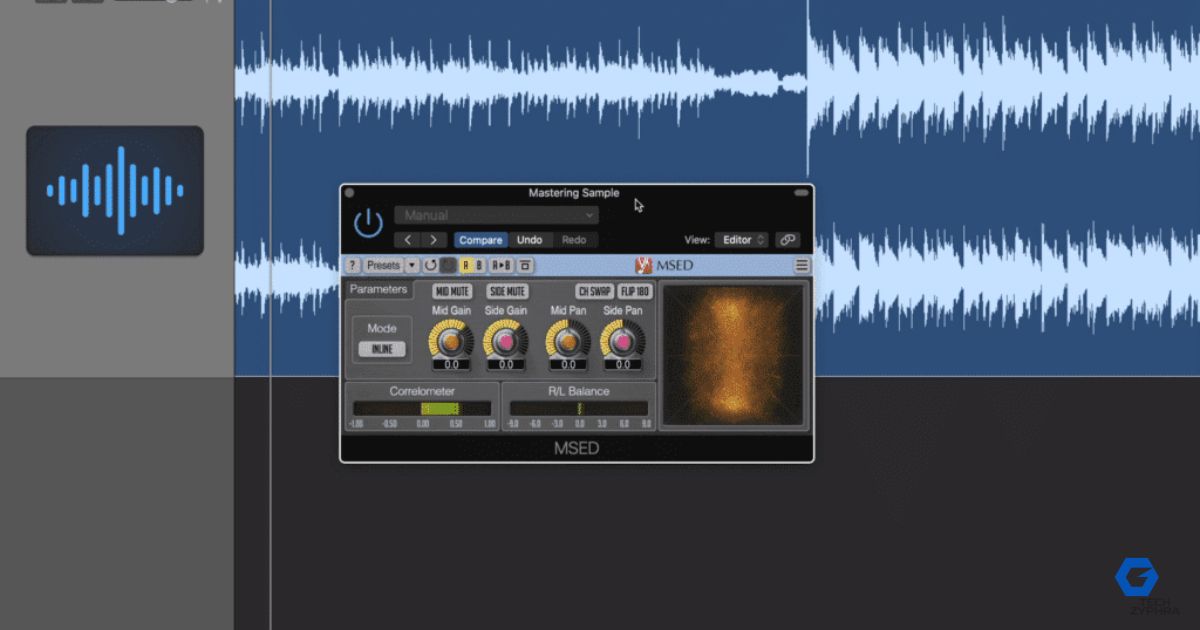
Best Mastering Chain with FREE Plugins
Creating a professional-sounding track no longer requires expensive software. With the right free mastering plugins, you can achieve clarity, loudness, and balance directly from your home studio.
Many modern producers rely on free VST plugins for mastering to build clean, competitive mixes. The key lies in understanding the mastering chain order and applying subtle, intentional adjustments.
Think of mastering like fine-tuning—each plugin adds a specific enhancement. When used correctly, free mixing and mastering plugins can easily compete with premium tools.
Insert 1: MEqualizer (Melda Audio) – Clean & Balance
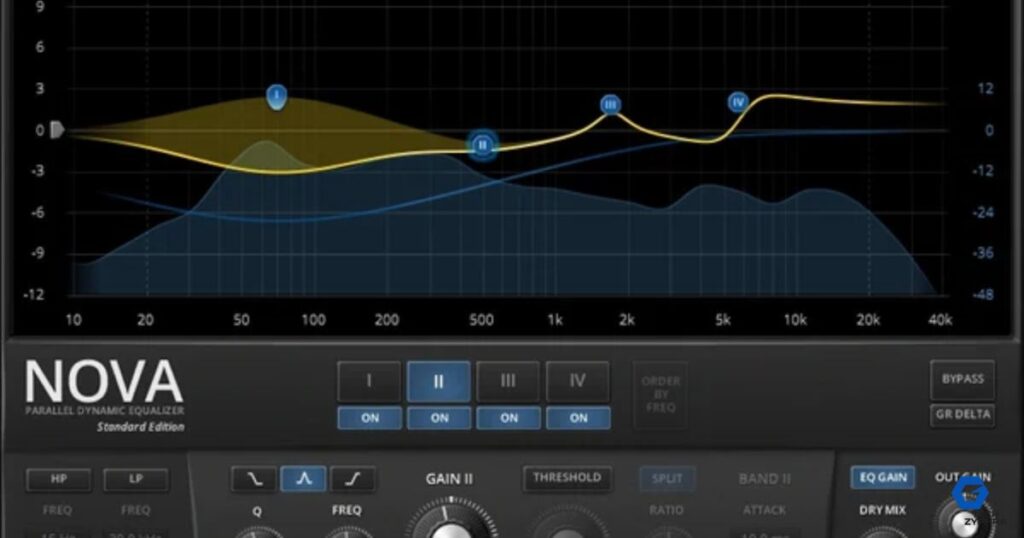
EQ is always the first step in a mastering chain.
MEqualizer is one of the best free EQ plugins for mastering, helping you remove unwanted frequencies and shape tonal balance.
Best Uses:
- Remove low-end rumble (below 30–40 Hz)
- Add clarity with a gentle high shelf
- Balance mids for vocals and instruments
| Function | Benefit |
|---|---|
| Low Cut | Removes rumble |
| High Shelf | Adds clarity |
| Mid Control | Balances vocals |
Pro Tip: Keep EQ changes subtle (±1–2 dB) to maintain natural sound.
Insert 2: Dynasaur (Analog Obsession) – Glue Compression
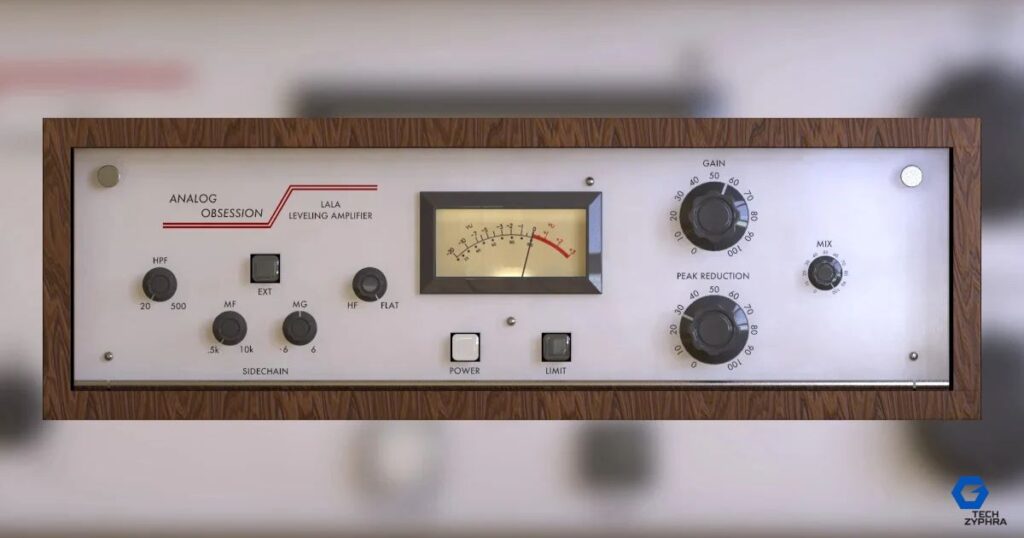
Compression controls dynamics and glues your mix together.
Dynasaur is a powerful free compression VST plugin that adds warmth through analog-style processing.
Key Benefits:
- Smooths peaks
- Controls dynamic range
- Adds analog character
Use slow attack + gentle ratio (1.5:1 to 2:1) for transparent mastering compression.
Insert 3: IVGI2 (Klanghelm) – Harmonic Saturation
Saturation adds depth and musical character.
IVGI2 is one of the most trusted free saturation plugins, perfect for subtle harmonic enhancement.
Why Use It:
- Adds warmth and fullness
- Enhances perceived loudness
- Improves tonal richness
Keep drive low—mastering saturation should be felt, not heard.
Insert 4: RareSE (Analog Obsession) – Musical Coloring EQ
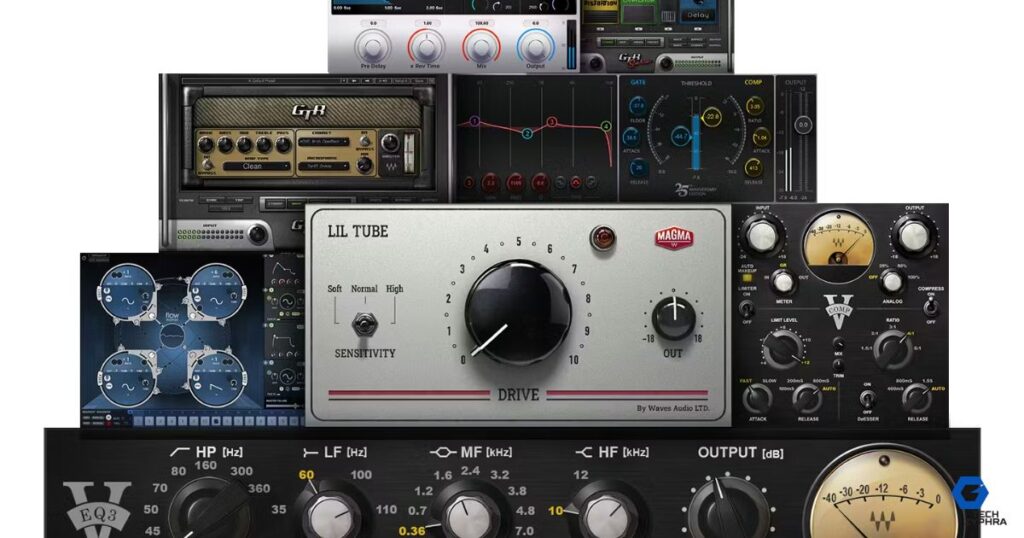
After technical EQ, use a color EQ for musical enhancement.
RareSE delivers smooth, vintage-style boosts that enhance the track naturally.
Best Applications:
- Gentle low-end boost for warmth
- Air boost for brightness
- Broad tonal shaping
Avoid narrow boosts—focus on wide, musical curves.
Insert 5: LoudMax (Thomas Mundt) – Transparent Limiting
Limiting increases loudness without distortion.
LoudMax is a reliable free limiter VST plugin used for final gain control.
| Feature | Result |
|---|---|
| Peak Limiting | Prevents clipping |
| Gain Boost | Increases loudness |
| Transparency | Keeps mix clean |
Aim for around -14 LUFS for streaming platforms.
Insert 6: Limiter No.6 (Vladislav Goncharov) – Final Polish
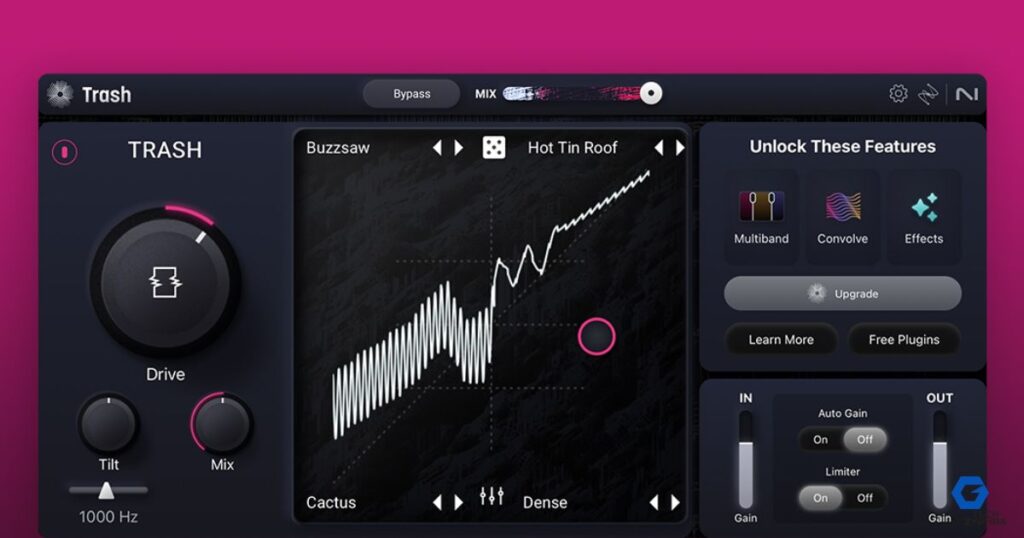
This is an all-in-one mastering tool combining:
- Compression
- Clipping
- Limiting
Limiter No.6 is perfect for advanced control and final polish.
Why It Stands Out:
- Multi-stage processing
- Precise dynamic control
- Professional-grade output
Use it as a final safety net to ensure your track translates well across all systems.
Final Thoughts
You don’t need expensive plugins to achieve professional results. A well-structured free mastering chain can deliver industry-level sound if used correctly.
Focus on:
- Clean mix before mastering
- Proper gain staging
- Subtle processing
- Trusting your ears
With consistent practice and the right tools, your mastering skills will improve—and your tracks will sound polished and competitive.
My Top 5 Free Mixing & Mastering VST Plugins (2026)
Every producer has go-to tools. Here are some favorites widely used today:
- MEqualizer – Best for clean EQ
- Dynasaur – Smooth compression
- IVGI2 – Warm saturation
- LoudMax – Transparent limiting
- Limiter No.6 – Complete mastering suite
These plugins help create a strong foundation for clean audio production, improve workflow, and deliver professional-quality results.
Meta Description
How to build a professional mastering chain using the best free mastering plugins. Step-by-step guide with EQ, compression, saturation, and limiting for perfect sound.
Can I really get a professional sound using only free plugins?
Yes. Modern free plugins are often developed by the same engineers who create premium software. Professional mastering is 10% tools and 90% ears and environment. If your room is treated and your mix is clean, plugins like LoudMax or Limiter No.6 can produce results that are indistinguishable from expensive suites to the average listener.
What is the correct order for a mastering chain?
While there are no “illegal” moves, the standard industry workflow is:
- Subtractive EQ: Cleaning up rumble and harshness.
- Compression: “Gluing” the mix together.
- Saturation: Adding harmonic warmth and excitement.
- Additive/Color EQ: Enhancing the “air” or “weight.”
- Limiting: Bringing the track up to commercial volume.
How loud should my master be for Spotify and Apple Music?
Most streaming platforms currently normalize audio to around -14 LUFS. However, for genres like EDM, Pop, or Hip-Hop, you may want to aim for -9 to -7 LUFS to maintain the competitive energy of the genre, provided you aren’t squashing the dynamics too much.
Should I master my own tracks or hire a professional?
If you are learning, mastering your own tracks is a fantastic way to understand the limitations of your mixing. However, a professional mastering engineer provides a fresh set of objective ears and a high-end listening environment that is difficult to replicate at home.
What is the difference between mixing and mastering?
Mixing is about the relationship between individual instruments (leveling the drums, EQing the vocal). Mastering is the final “polish” applied to the stereo file to ensure it sounds consistent across all playback systems, from smartphone speakers to club PAs.
Do I need to use saturation in every mastering chain?
Not necessarily. If your mix is already “hot” or has a lot of vintage character from the mixing stage, adding more saturation can make the track sound muddy or distorted. Use plugins like IVGI2 only when the track feels “thin” or too “digital.”
1 thought on “Best Free Mastering Plugins 2026– Build a Pro Mastering Chain (Free VST Guide)”